

Why Does AWS Show GiB Instead of GB?
I was browsing EC2 instance types on AWS when I noticed something odd.
Memory is listed in GiB. Storage is listed in GB. Network is in Gigabit.
Three different units. Same console. All measuring data.
My first instinct was that AWS was being inconsistent. But the more I looked into it, the more I realised each one is deliberate, and understanding why took me through CPU architecture, a 1980s marketing decision, and an OS labeling bug the industry decided was too painful to fix.
Two Ways to Count to a Billion
Everything starts here.
There are two competing definitions of “Gigabyte”, and they’ve been quietly causing confusion for decades.
Base 10: the human way
Powers of 10, like we learned in school.
1 KB  = 1,000 bytes
1 MB  = 1,000,000 bytes
1 GB  = 1,000,000,000 bytes
1 TB  = 1,000,000,000,000 bytes
Base 2: the computer way
Powers of 2, because computers think in binary.
1 KiB = 1,024 bytes
1 MiB = 1,048,576 bytes
1 GiB = 1,073,741,824 bytes
1 TiB = 1,099,511,627,776 bytes
1 GiB is about 7.4% larger than 1 GB. Small at small scales, but it compounds fast.
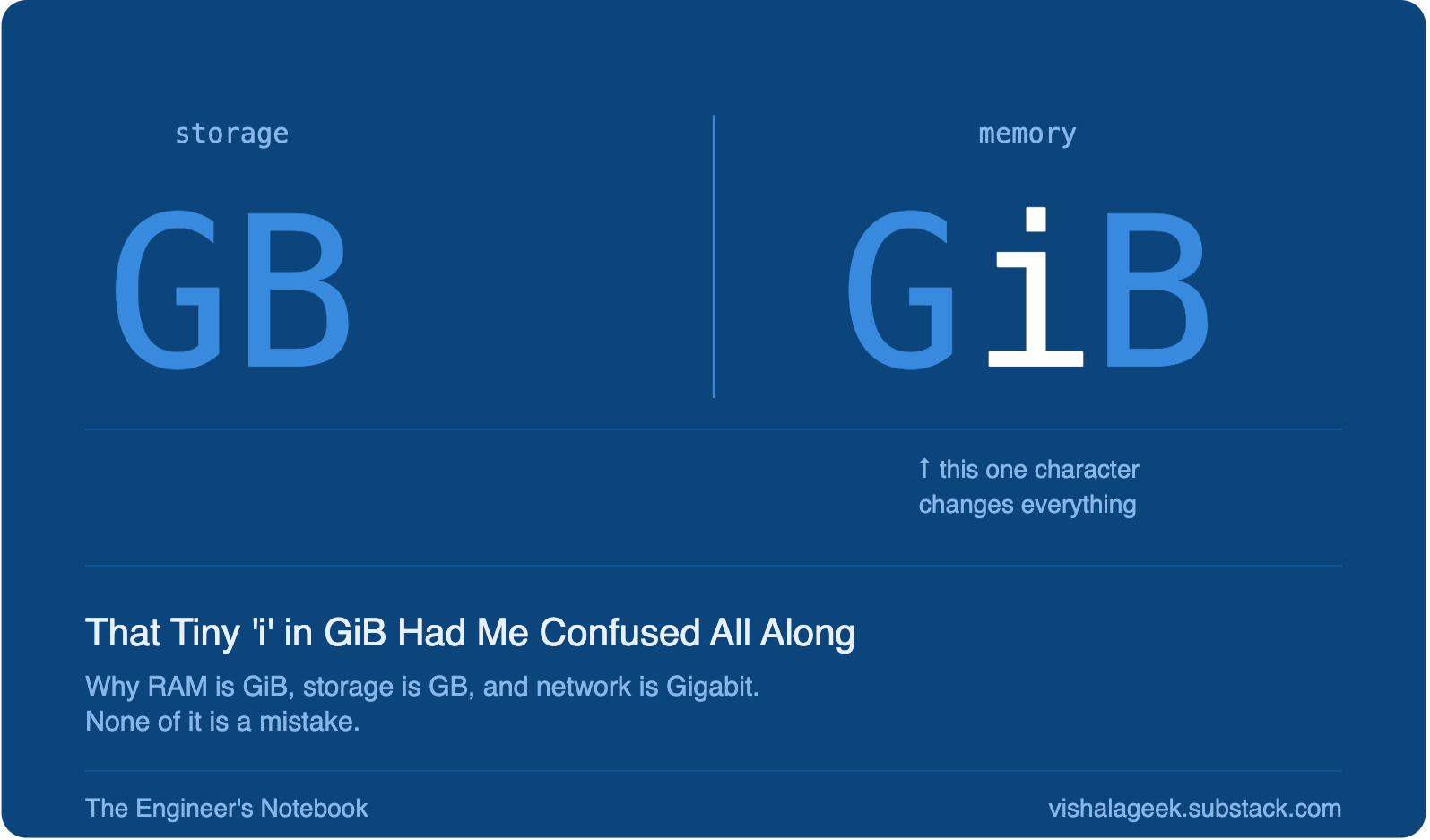
And yes, that lowercase “i” sandwiched between G and B in GiB is genuinely easy to miss. Sit a foot further from the screen and it reads exactly like GB. I missed that ‘i’ for longer than I’d like to admit.
The “bi” in KiB, MiB, GiB stands for binary. The IEC standardised these units in 1998 specifically to end the ambiguity. Before that, “KB” was used loosely for both 1,000 and 1,024 bytes depending on who was writing.
So why does AWS use GiB for memory but GB for storage?
It’s not inconsistency. It turns out each unit is accurately describing what’s actually there.
RAM Is Binary By Nature
RAM isn’t just stored data, it’s addressed data.
Every byte in RAM has a unique memory address. The CPU locates it using binary addressing. A 32-bit address bus gives exactly 2³² addressable locations, 4,294,967,296 bytes, or exactly 4 GiB. Not 4 GB. Not 4,000,000,000 bytes. The math doesn’t leave room for clean decimal boundaries.
This flows all the way down to how memory chips are manufactured. RAM comes in 256 MiB, 512 MiB, 1 GiB, 2 GiB, 4 GiB slots. A “1,000,000,000 byte” RAM stick doesn’t exist, it would break the addressing model.
So when AWS lists an EC2 instance as “8 GiB RAM,” it’s being precise. That’s 8 × 2³⁰ bytes, because that’s what RAM physically is.
Engineers always knew this. When they said “1 GB of RAM” years ago, they meant 2³⁰ bytes, they were just using imprecise language before the right words existed. GiB makes the implicit explicit.
Storage Is Decimal By Choice
Hard drives don’t have the same constraint.
A disk is a linear sequence of sectors. There’s no binary addressing requirement forcing capacity to be a power of 2, a drive can hold any number of bytes.
So when manufacturers were scaling up in the 1980s, they had a choice: count in base 2 or base 10?
They picked base 10. And the reason wasn’t engineering.
It was marketing.
Base 10 numbers are larger. A drive marketed as “10 MB” sounds better than the same drive marketed as “9.5 MiB.” As capacities scaled into gigabytes and terabytes, that gap grew from a minor rounding difference into a meaningfully larger-sounding number on the box.
The entire storage industry followed suit. It’s been base 10 ever since. When a manufacturer says “1 TB SSD,” they mean exactly 1,000,000,000,000 bytes, no tricks. That’s just their definition of TB.
AWS follows the same convention for EBS and S3.
So Where Does the Missing Storage Go?
This is where it clicked for me.
The OS receives a drive with exactly 1,000,000,000,000 bytes. Internally, it counts in base 2, consistent with how memory addressing works across the whole system. So it calculates:
1,000,000,000,000 ÷ 2⁴⁰ = 0.9094 TiB
                          ≈ 931 GiB
The number (931) is correct.
The label (”GB”) is wrong, it should say “GiB.”
But that label has been wrong for so long that fixing it would cause a different kind of chaos. Imagine waking up one morning and a “500 GB” drive suddenly reads “465 GiB.” The number dropped by 35. Most people would, reasonably but incorrectly, conclude the OS update deleted their data. Support forums melt down. Headlines scream “New update shrinks your hard drive.”
So the industry made a quiet collective decision: leave the wrong label in place.
The confusion of an incorrect unit is less damaging than the panic of visibly shrinking numbers.
The One OS That Actually Fixed It
In 2009, Apple shipped macOS Snow Leopard with a quiet but significant change, Finder switched to true base 10 reporting.
A 1 TB drive now showed as approximately 1 TB in Finder. The label and the math finally agreed.
The result? Mac users reported their drives had suddenly gained storage after the update.
Same drives. Same bytes. Just a different counting system.
Linux has been cleaning this up gradually. Modern tools like df -h and lsblk now correctly display GiB when calculating in base 2. It varies by distro, but the direction is toward precision.
Windows still shows base 2 numbers with “GB” labels.
And the “Gigabit” for Network?
Network speeds add one more wrinkle, they’re measured in bits, not bytes.
When AWS says “Up to 5 Gigabit” network performance, that means 5,000,000,000 bits per second. To get usable throughput in bytes, divide by 8:
5 Gbps ÷ 8 = 625 MB/s
Networking protocols historically transmitted data serially, one bit at a time over a wire. Measuring in bits was natural for the hardware, and it stuck. The same logic applies to ISP speeds, “100 Mbps broadband” gives about 12.5 MB/s of actual file transfer speed.
The “up to” also matters. It means burstable, the ceiling under ideal conditions, not a guaranteed baseline.
Putting It Together
Once I understood this, the AWS console stopped looking inconsistent and started looking accurate:
What I see in AWS Unit Why EC2 memory: “8 GiB” GiB (base 2) RAM is binary by architecture EBS volume: “100 GB” GB (base 10) Storage follows manufacturer convention Network: “5 Gigabit” Gbps (base 10, bits) Networking measures in bits historically
And the mystery of a 1TB drive showing 931 GB? The OS counted correctly, in GiB, and then slapped the wrong label on it.
The storage was never missing.
The units were just speaking different languages.
The Engineer’s Notebook. Things I learn, written down so I don’t forget them. If it helped, there’s more coming.